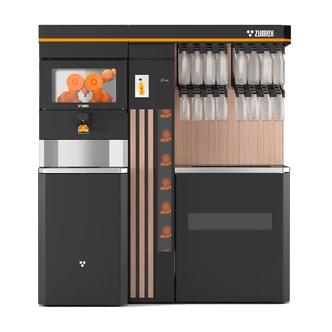
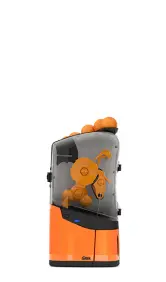
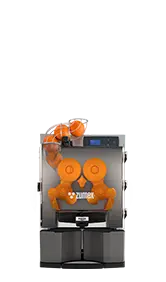
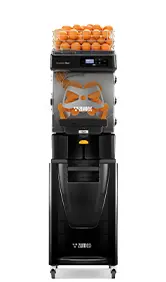
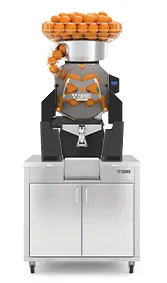
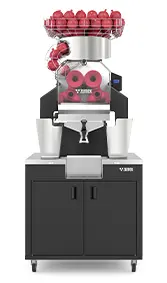
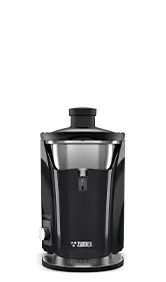
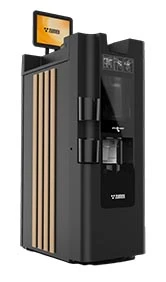
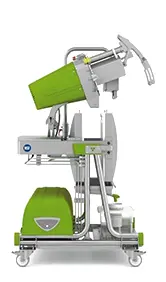
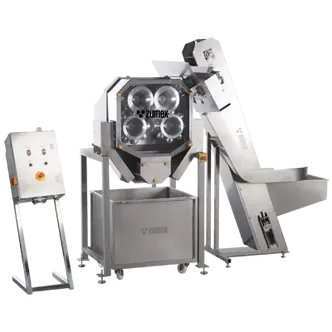
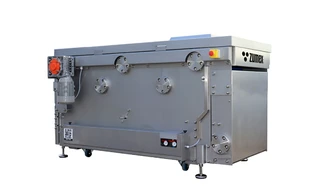
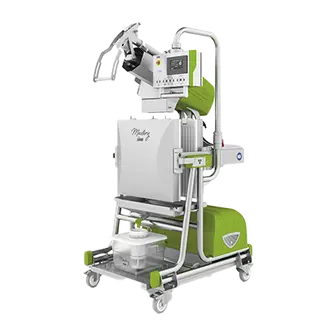
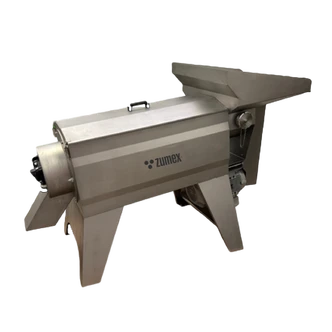
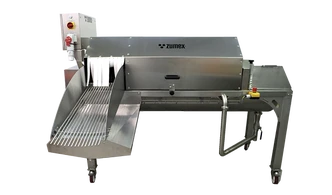
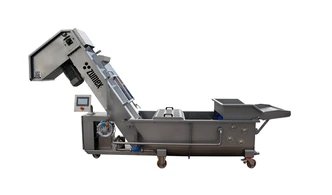
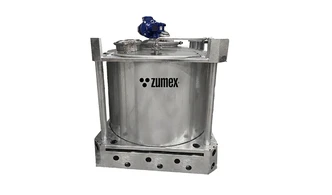
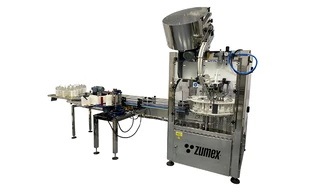
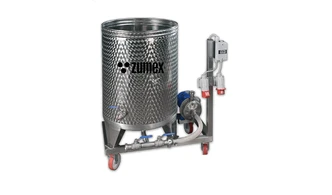
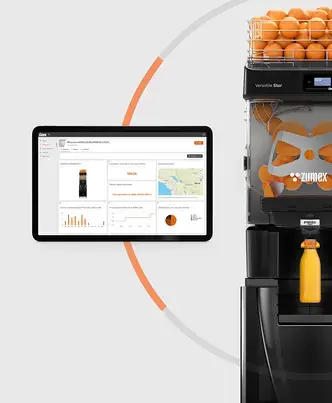
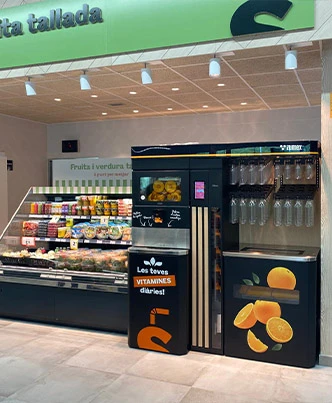
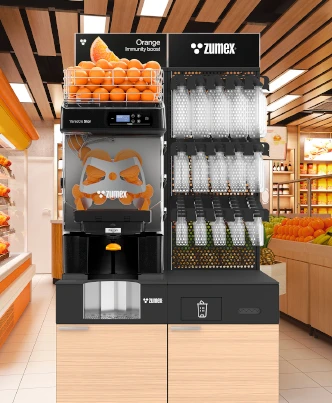
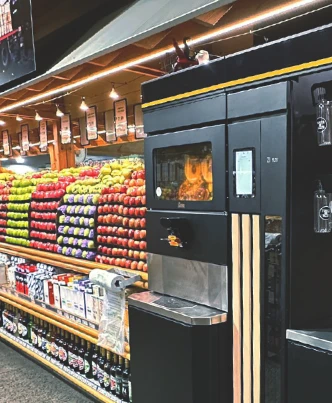
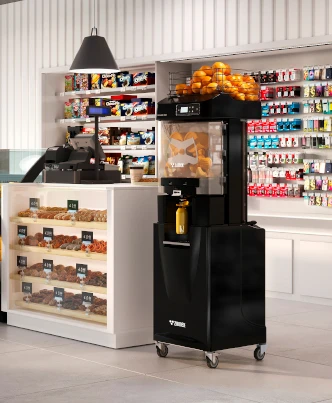
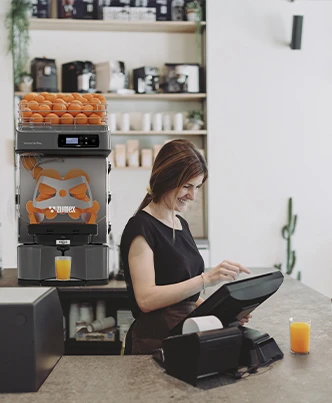
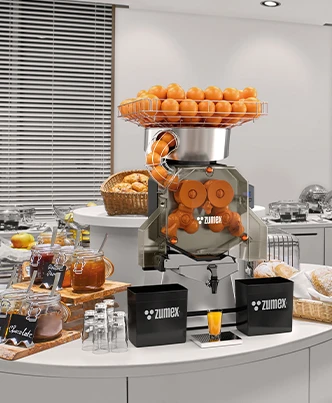
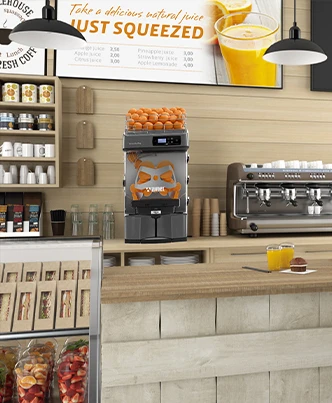
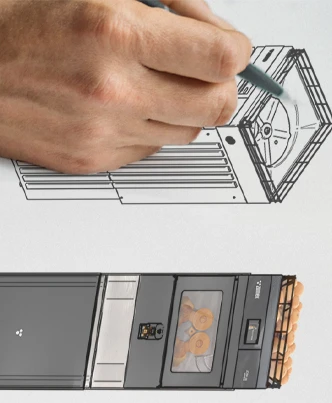
Professional juicer machine
Professional juicer machine
In this post, you will find a practical kit to create impactful images with CTAs that convert: ready-to-use mockups for hero sections, product sheets, and social media, along with 6 tested CTAs for different objectives.
A visual set with usage instructions for each mockup, size and alignment specifications, and a selection of CTAs (text and variants) for download, lead capture, and commercial contact.
The mockups have been specifically generated for this post and are available as ready-to-use resources in your pieces. Use the rep_file_id that appears to insert them into the content.
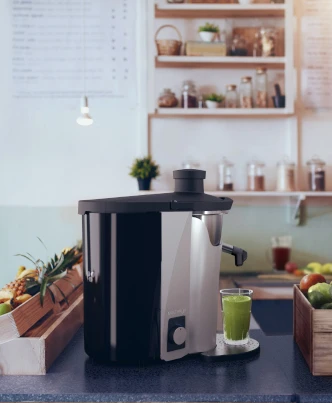
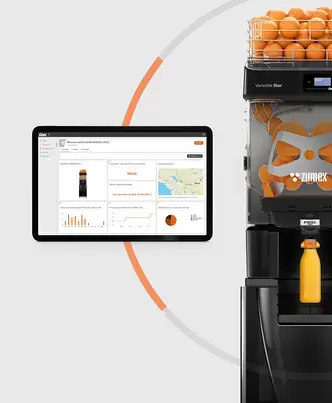
Hero: 1536x1024, full alignment, free upper area for headline and lower area for CTA.
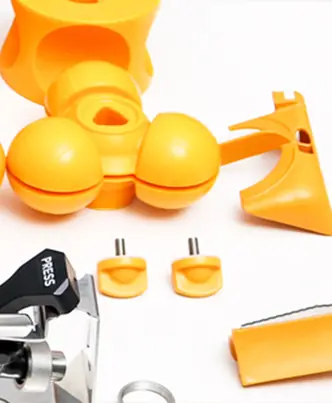
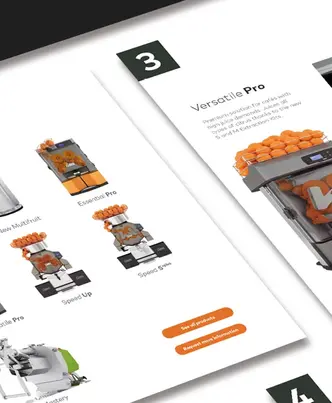
Product sheet: 1024x1536, center alignment, margin for bullets on the left.
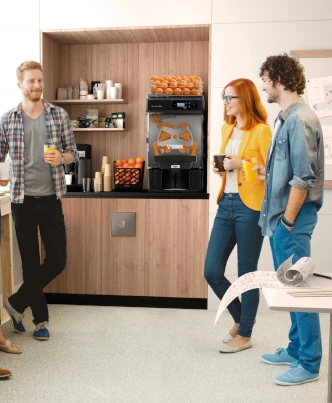
Social post: 1024x1024, center alignment, space for top text overlay and simulated button on the bottom right.
Below are 6 CTAs with variants for button, text link, and banner. Main text + short variant + suggested color.
For hero and sheet, place the CTA in a contrasting area with at least 16px padding. For social, use an overlay with a soft shadow to ensure readability. Keep the CTA message to 2-4 words and prioritize clear action.
If you want me to create translated versions (en, fr, it, de) or upload additional images from the document manager, let me know and I will include it.